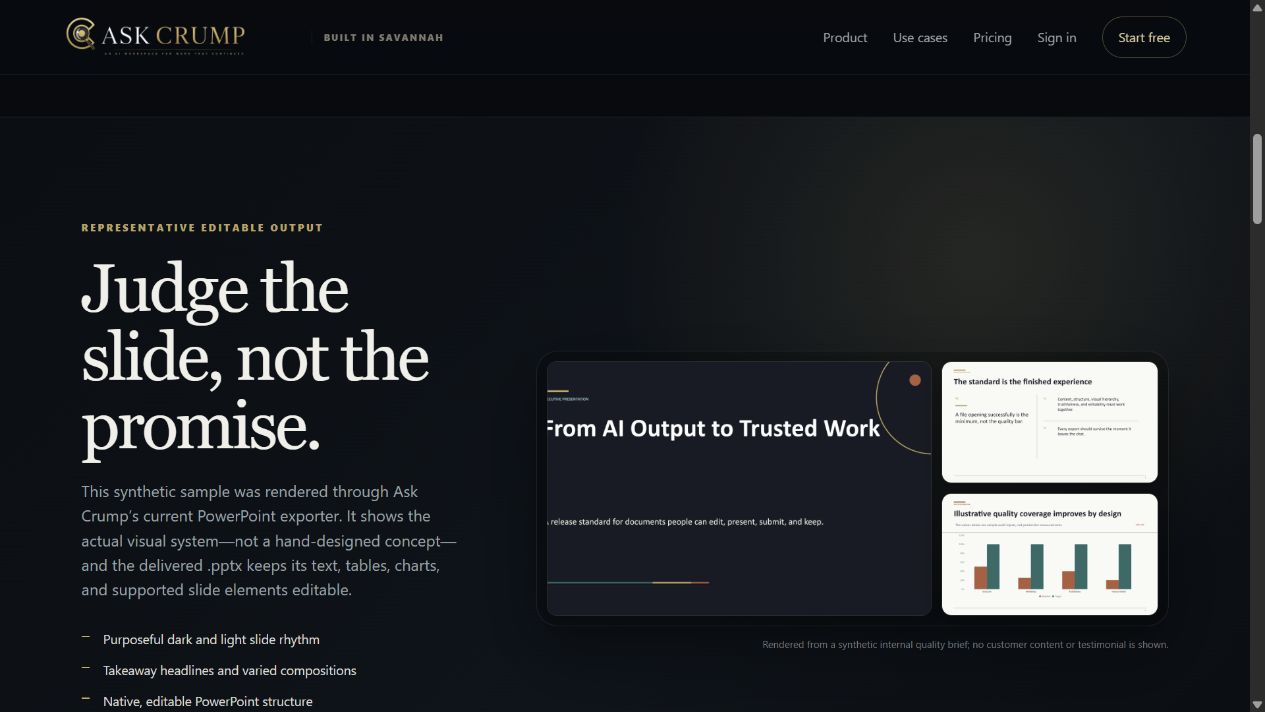
“Editable PowerPoint” should mean more than receiving a file with a `.pptx` extension.
A useful first draft should give you a coherent story, expose the parts you need to change, and leave final judgment with the person who will present it. We reviewed Ask Crump’s representative presentation proof first as a visitor on the live product page, then inside the exported PowerPoint package itself.
Begin with the decision—not the slide count
A presentation prompt becomes more useful when it states four things before asking for design:
Audience
Who will see the deck?
Decision
What should they understand, approve, choose, or do?
Evidence
Which facts, files, numbers, and sources may support the story?
Constraints
What length, tone, format, brand rules, accessibility needs, and deadline matter?
“Make ten slides about our launch” invites decoration before judgment. “Create an eight-slide operating review for the leadership team that explains what changed, which evidence supports it, the two decisions required, and next week’s owners” gives the deck a job.
What we inspected
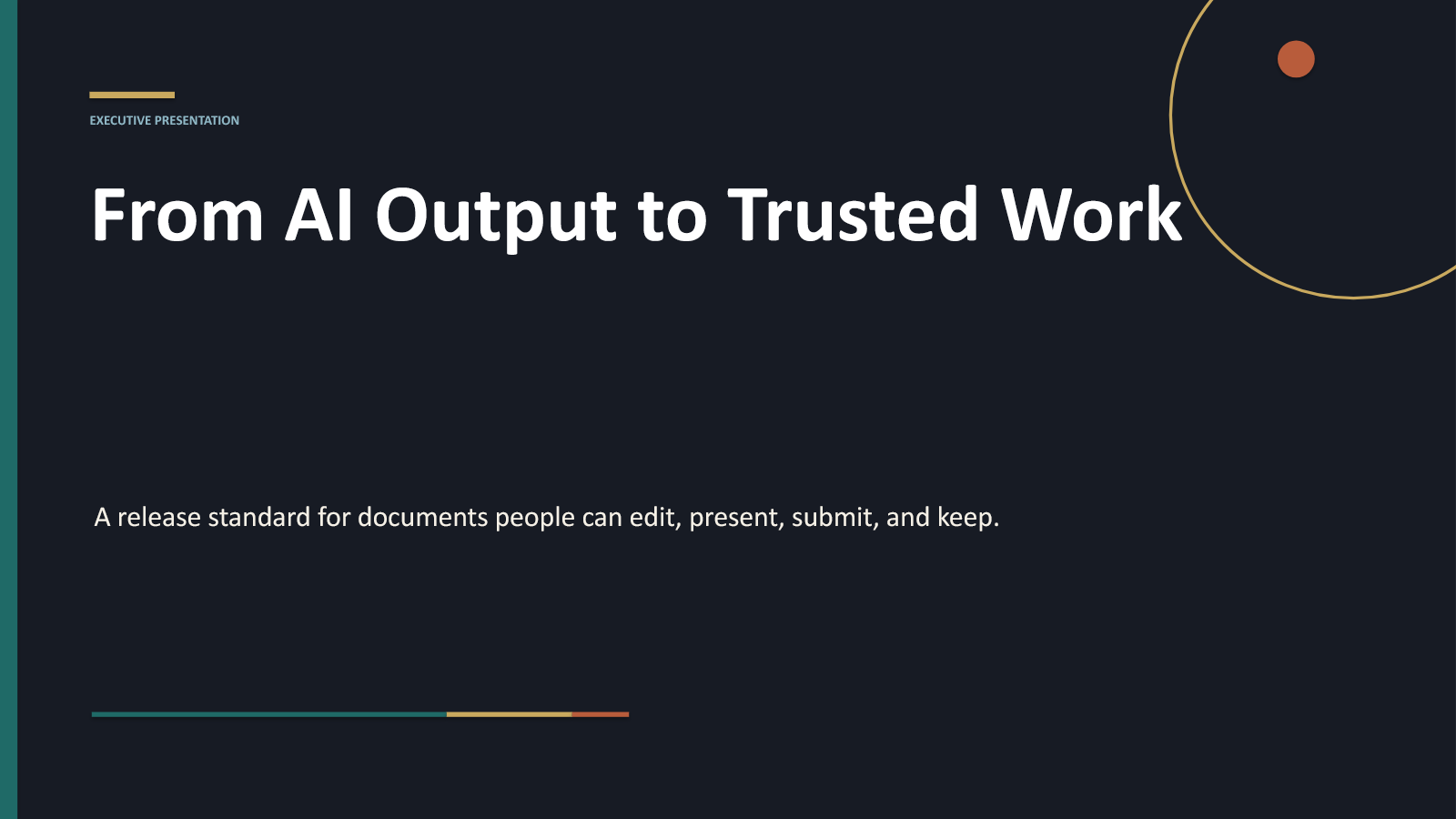
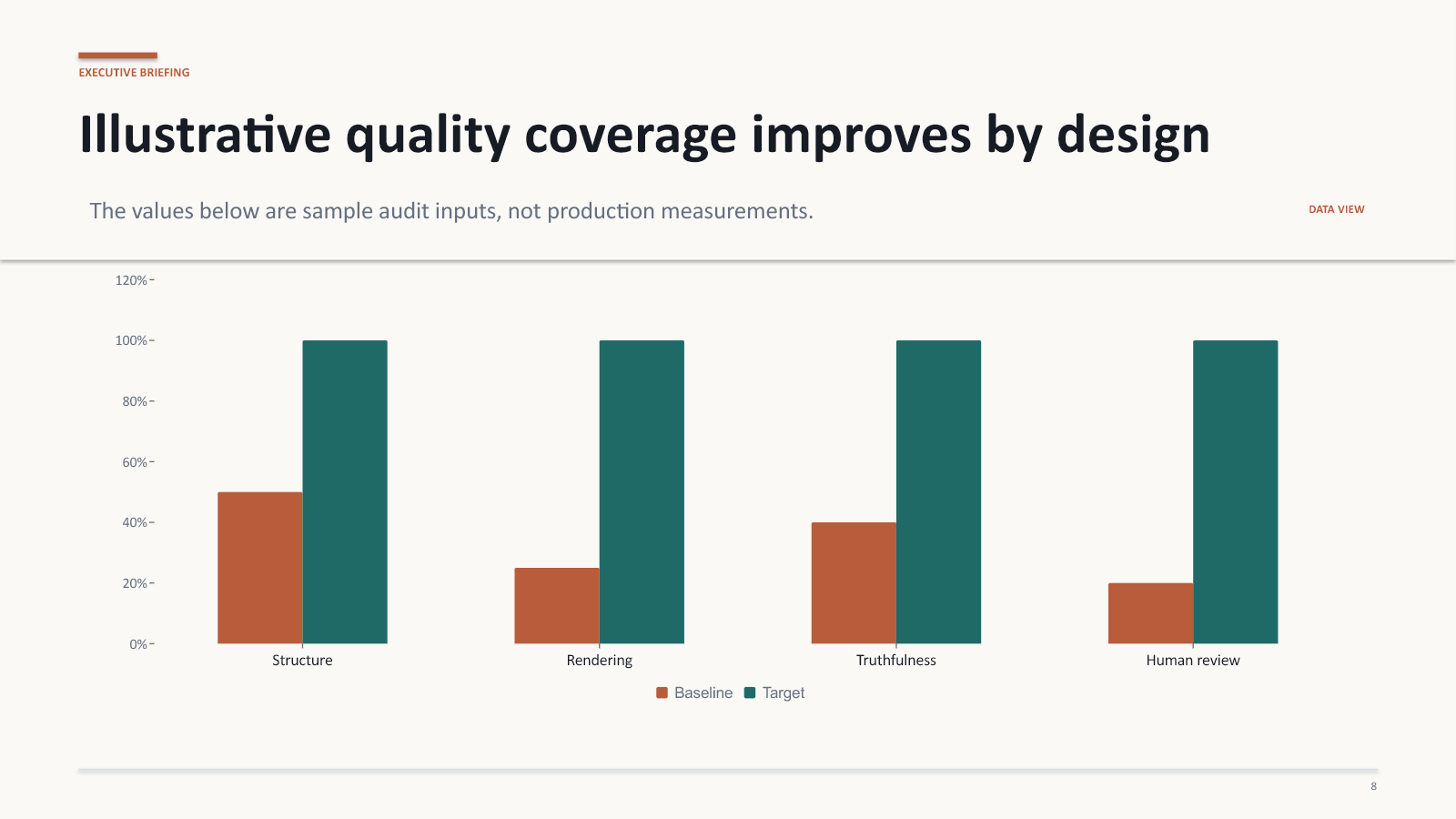
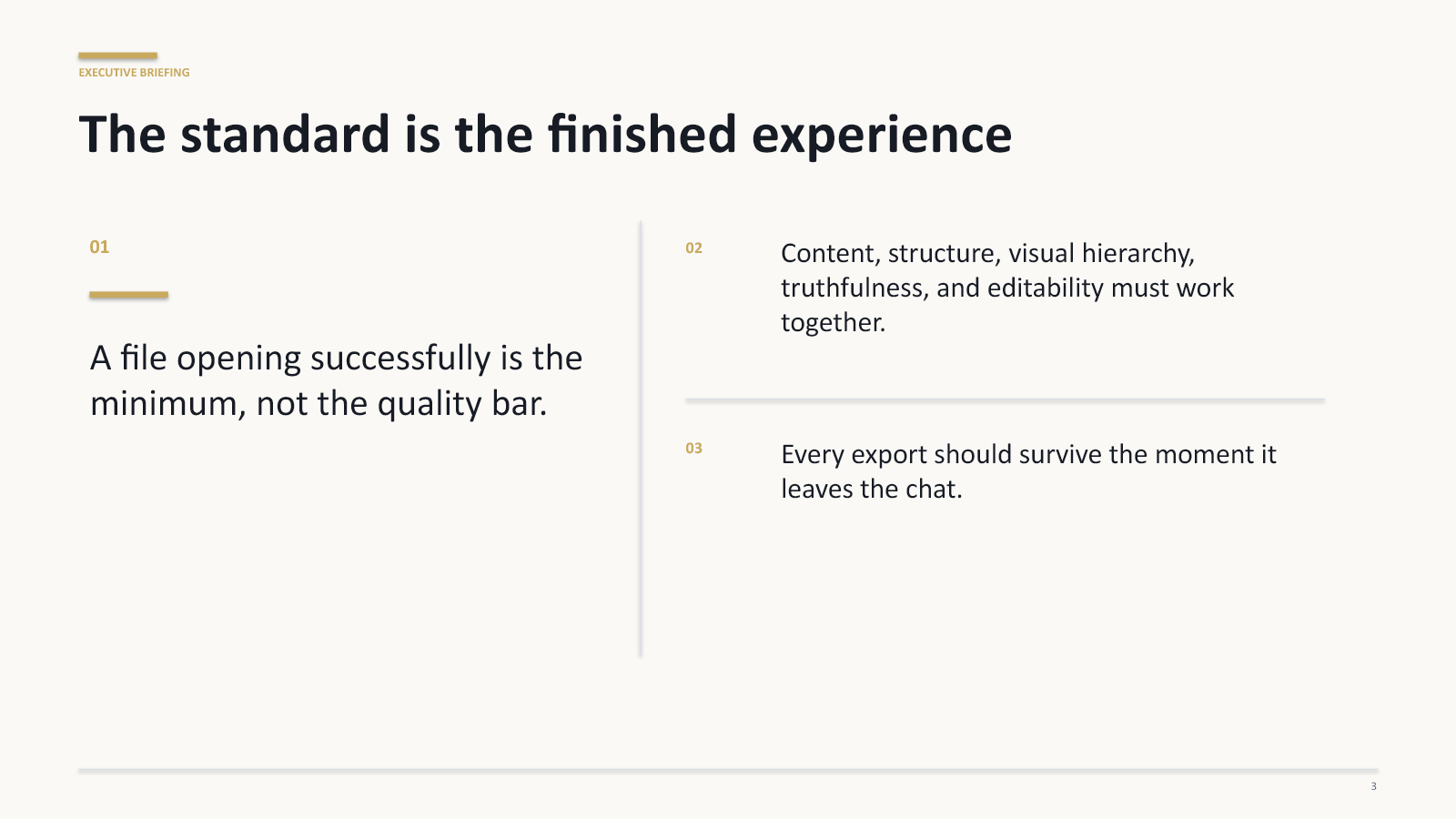
The archived test export contains ten 16:9 slides. Package inspection found native PowerPoint text shapes on every slide, a native table, a native clustered-column chart, and no embedded image media. The title, story, table, evidence, chart, and closing treatments are therefore built from editable presentation elements instead of a set of flattened screenshots.
That does not mean every application will preserve every detail identically, or that every generated deck will use the same composition. It means this representative file supports the product’s stated editability claim.
The seven-pass review
Read only the slide headlines
The headlines alone should tell a complete, ordered story. Combine repetition and repair any ending that does not follow from the opening.
Check whether every slide earns its place
Each slide should frame a problem, establish a fact, compare options, explain an implication, ask for a decision, or assign a next action.
Separate evidence from illustration
Inspect every chart series, label, unit, period, sample size, and source. The representative chart explicitly labels its values as illustrative quality-coverage inputs—not production measurements.
Prove the file is actually editable
Rewrite a headline, change a table cell and chart value, move a shape, then save, close, and reopen the file in the software your team uses.
Review hierarchy at presentation distance
Use Slide Show or fit-to-window view. The viewer should know where to look first, what matters, and which detail is supporting evidence.
Apply real brand and accessibility rules
Use the approved visual system; confirm contrast, font size, reading order, alternative text, confidentiality, terminology, dates, and the equipment used in the room.
Make the presenter accountable for the final claim
Verify quotations, calculations, citations, recommendations, and summaries against authoritative sources. Replace assumptions with evidence or label them honestly.
AI can compress the distance between notes and a structured draft. It cannot approve the final argument, evidence, accessibility, brand compliance, confidentiality, or recommendation on the presenter’s behalf.
A presentation brief worth reusing
Create an editable PowerPoint for [audience]. The decision or outcome is [decision]. Use only [sources or evidence]. Build a [number]-slide story that moves from [starting point] to [recommendation or action]. Include [required table, chart, risks, owners, or next steps]. Label assumptions and illustrative data clearly. Keep the file editable for final review in [software or workflow].
The prompt is not a guarantee of a finished presentation. It is a better contract for the first draft.
Turn source material into an editable draft.
Ask Crump can turn a topic, outline, notes, or reference material into an editable PowerPoint draft. Review the story, evidence, native elements, accessibility, and final claims before presenting it.
Evidence and method
This article uses the representative synthetic deck displayed on the live Ask Crump presentation page and preserved in the marketing evidence package. The inspected `.pptx` has SHA-256 18F27BC9C0090BB7F447FB4CE89F3F4E90AF0E00F5A7B6DD5750F7AB8E9B2067. Package inspection found ten slides, native text shapes across all ten, one native table, one native chart, and no embedded image media. Results vary by request and source material. No customer content or testimonial is used.