Briefings and proposals
Turn a goal, audience, source material, and desired decision into a structured deck with an executive rhythm.
Ask Crump turns a topic, outline, notes, or reference material into a structured PowerPoint draft. Download the .pptx, edit it in PowerPoint-compatible software, and keep the conversation and files together when the deck needs another round.
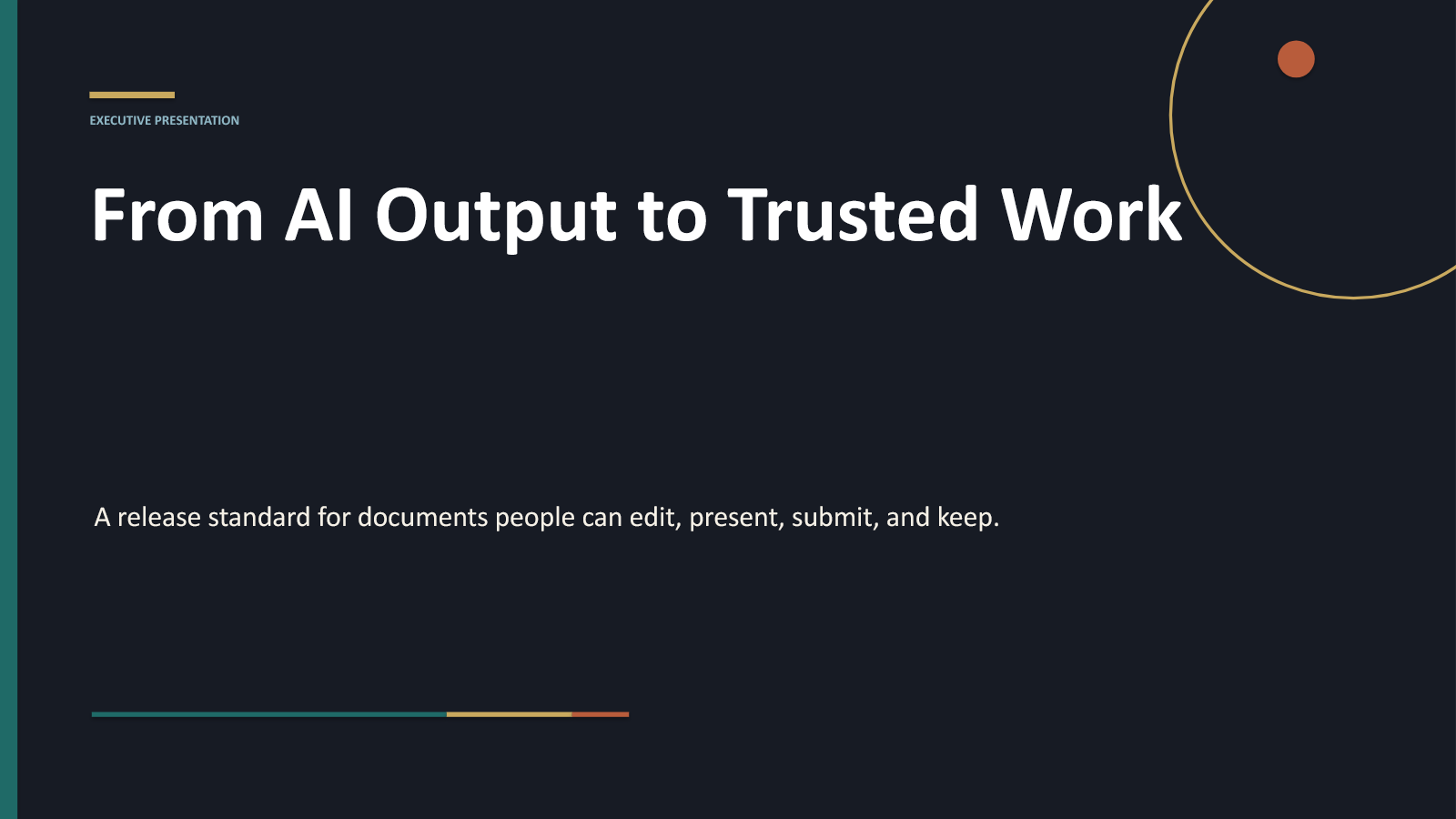
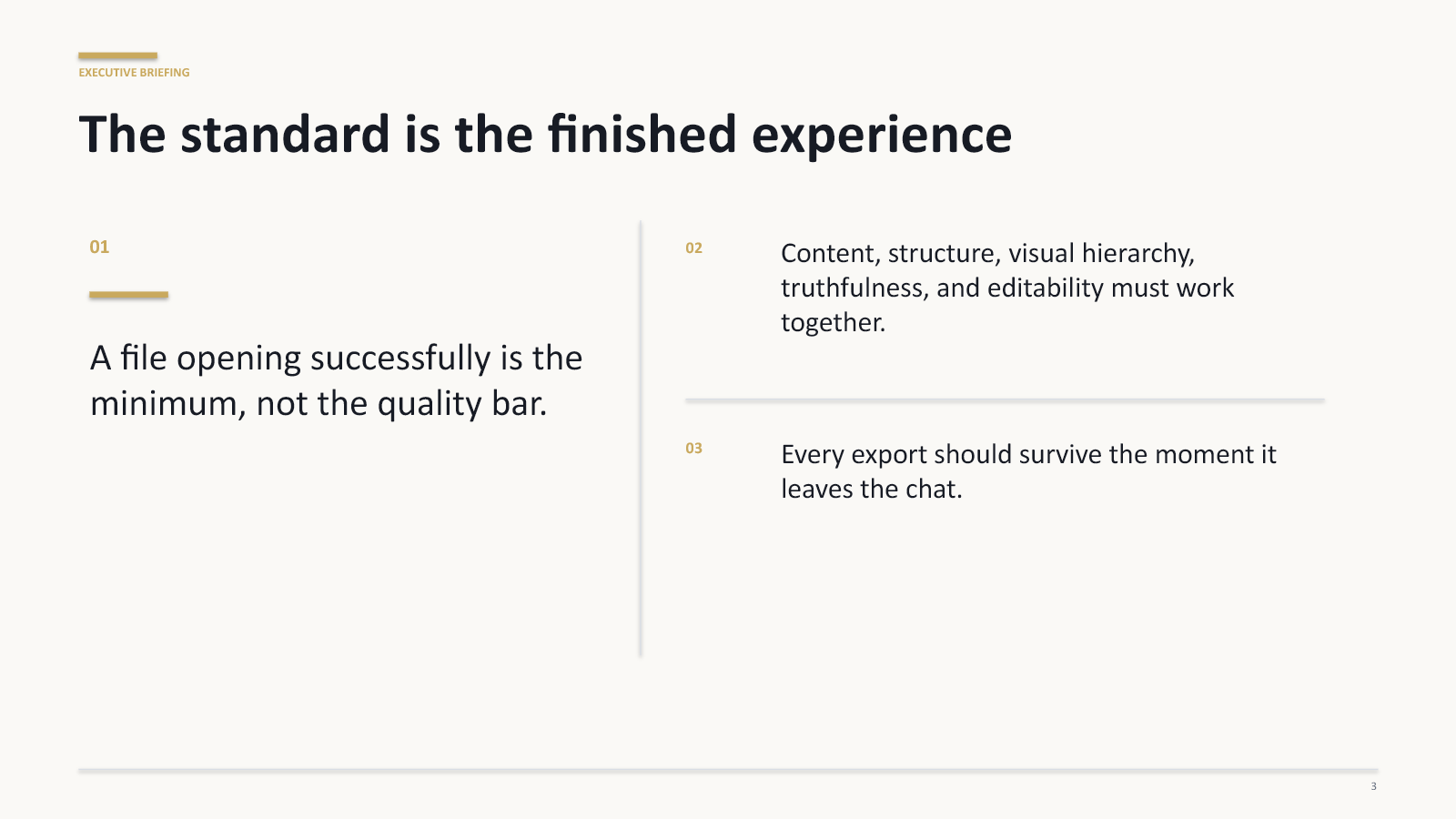
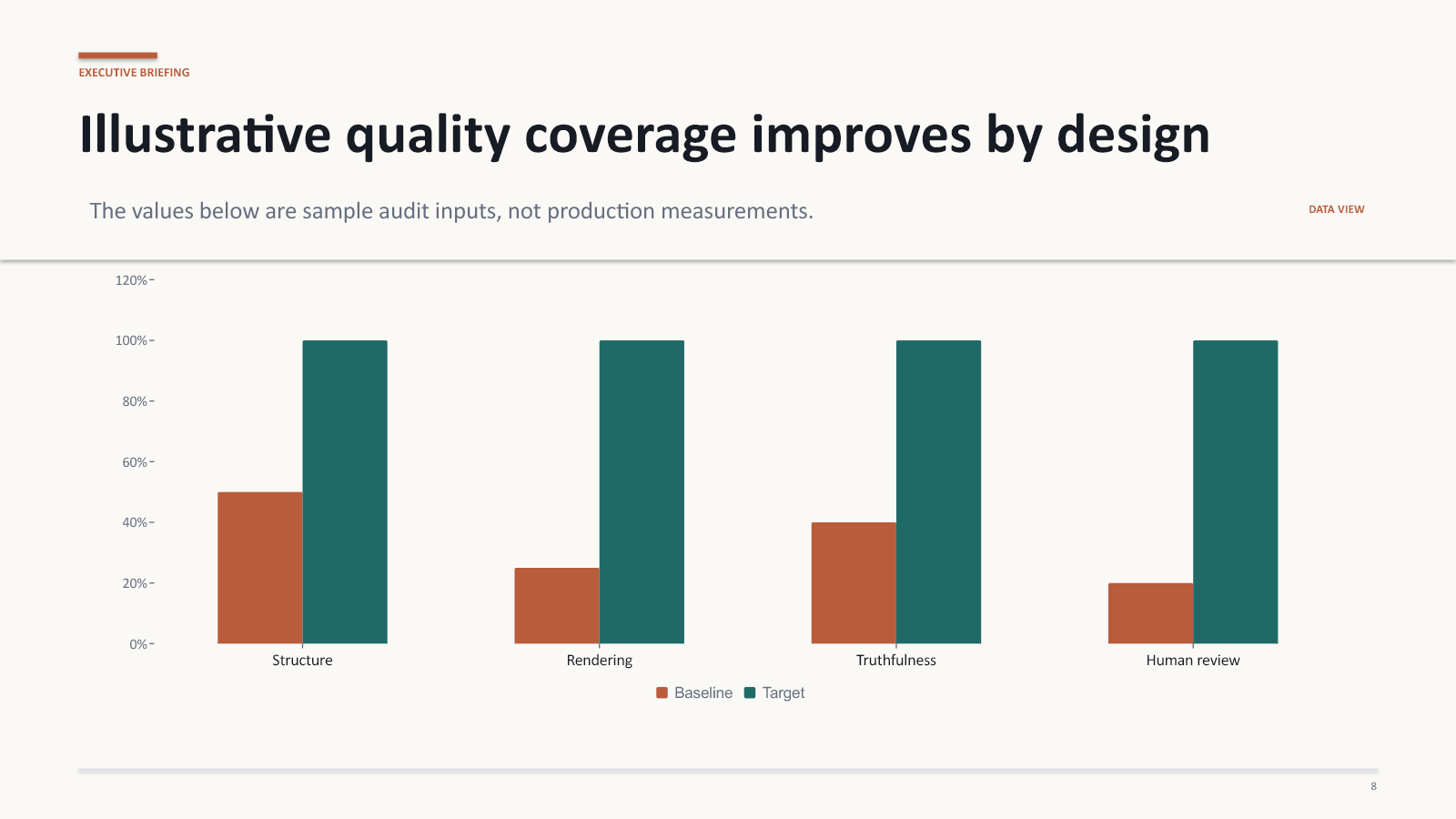
This synthetic sample was rendered through Ask Crump’s current PowerPoint exporter. It shows the actual visual system—not a hand-designed concept—and the delivered .pptx keeps its text, tables, charts, and supported slide elements editable.
Representative synthetic output. Content and layout vary with the request, source material, and review.
The useful part of an AI presentation maker is not merely producing slides. It is getting to a coherent, editable draft quickly enough that your time can move to judgment, evidence, brand, and delivery.
Turn a goal, audience, source material, and desired decision into a structured deck with an executive rhythm.
Organize findings into clear sections, concise tables, supported charts, implications, and next actions.
Build a sequence that introduces the topic, develops the core ideas, checks understanding, and closes cleanly.
Good output starts with purpose. Tell Ask Crump who the presentation is for, what they should understand or decide, what evidence matters, and any constraints the draft must respect.
Provide the topic and audience, or attach the notes and source documents already shaping the work.
Request an editable PowerPoint and include the intended length, tone, sections, and call to action when those details matter.
Check the narrative, source claims, numbers, tables, charts, and whether every slide earns its place.
Open the .pptx in your presentation software. Return to the conversation or keep it in a Project when the work needs another pass.
Ask Crump is designed to accelerate presentation work while keeping human review visible and necessary.
Yes. When a presentation request completes successfully, Ask Crump can package the result as an editable .pptx file for download. You should still review the file in your presentation software before using it.
Yes. Text and supported presentation elements are generated in an editable PowerPoint-compatible format. Some visual adjustments may still be appropriate for your brand, template, or audience.
You can attach supported files or paste source material into the conversation. Ask Crump uses the material you provide for the requested work, subject to the product’s file and plan limits.
No. AI output can be incomplete or incorrect. Review claims, numbers, citations, and recommendations against authoritative sources before relying on the deck.
The editable file is yours to revise. Your Ask Crump conversation can remain available to your account, and you can keep useful work in a private Project so later revisions start with the right context.
Start with the audience, evidence, and decision. Ask Crump will help turn them into a PowerPoint draft you can review and continue.