Reports, plans, and SOPs
Turn goals, constraints, source notes, and process details into a readable draft with clear sections and actions.
Ask Crump turns a request, notes, or reference material into a structured document draft. Download an editable Word file or a finished-format PDF, review it carefully, and keep the conversation and supporting files together for the next revision.
This wholly fictional one-page brief was rendered through Ask Crump’s current Word exporter. It shows the actual editable .docx structure—not a hand-designed mockup—with native headings, bullets, tables, and page fields.
Representative synthetic output. Content, claims, and layout vary with the request, source material, and review.
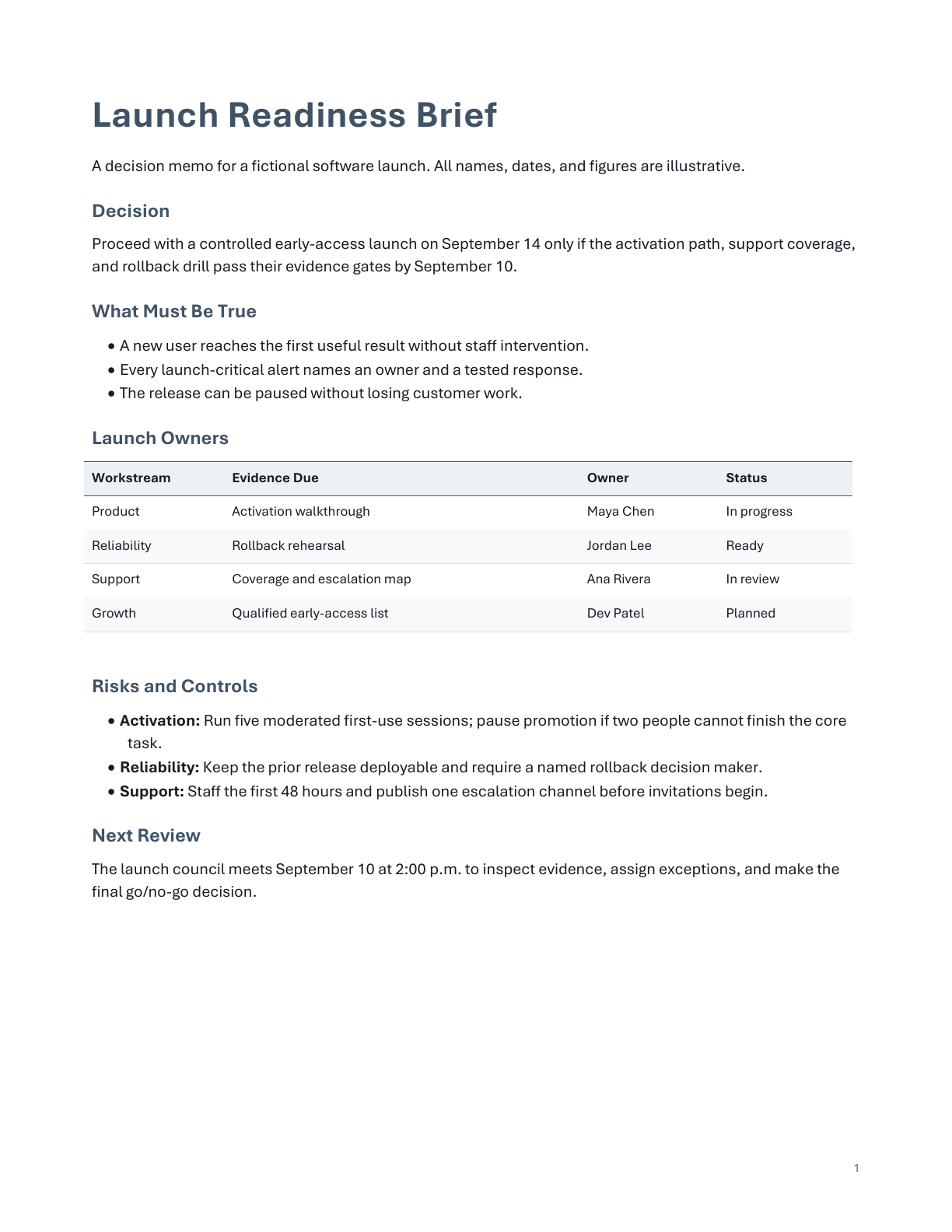 Open full-size sample
A useful AI document generator should help shape information for a real audience and deliver a file you can own. Ask Crump packages the work so you can edit it, review it, share it appropriately, or return to the underlying conversation later.
Turn goals, constraints, source notes, and process details into a readable draft with clear sections and actions.
Organize the problem, recommended approach, scope, assumptions, deliverables, and next steps for review.
Move findings into a document with an executive summary, evidence, limitations, conclusions, and open questions.
Tell Ask Crump what the document must accomplish, who will read it, which source material it may use, what tone is appropriate, and what format you want to download.
Start from a prompt, paste existing notes, or attach supported reference files that belong in the work.
Ask explicitly for a Word document or PDF and name the audience, purpose, length, sections, tone, and constraints that matter.
Check facts, calculations, quotations, citations, omissions, confidentiality, and whether the structure supports the reader’s decision.
Open the .docx for revision or use the PDF as a stable output. Keep the conversation in a Project when later updates should retain the right context.
Ask Crump helps turn work into a usable file, but the owner of the document remains responsible for the final judgment.
Yes. When a document request completes successfully, Ask Crump can package the result as an editable .docx file. Review the file in your document editor before relying on or distributing it.
Yes. Supported document requests can be packaged as PDF output. A PDF is useful for stable reading or sharing, while a Word file is usually better when substantial editing remains.
You can paste source material or attach supported files to the conversation. Ask Crump uses the material you provide for the requested work, subject to the product’s file and plan limits.
Not necessarily. If citations matter, ask for them explicitly and verify every citation and source before use. AI can produce incomplete or incorrect references.
Generated files are delivered through your authenticated Ask Crump account for download. Choose Keep in a Project to keep the related conversation and generated file together in that Project’s Files view for future revisions.
Start with the audience, purpose, and evidence. Ask Crump will help turn them into a Word or PDF draft you can review and continue.