Tailor a résumé to a role
Compare a job description with your real background, then emphasize the most relevant skills and evidence without copying unsupported language.
Ask Crump helps turn your real experience, skills, and achievements into a structured résumé draft for a specific role. Download the editable .docx, review every claim, and keep the conversation and source material together for the next application.
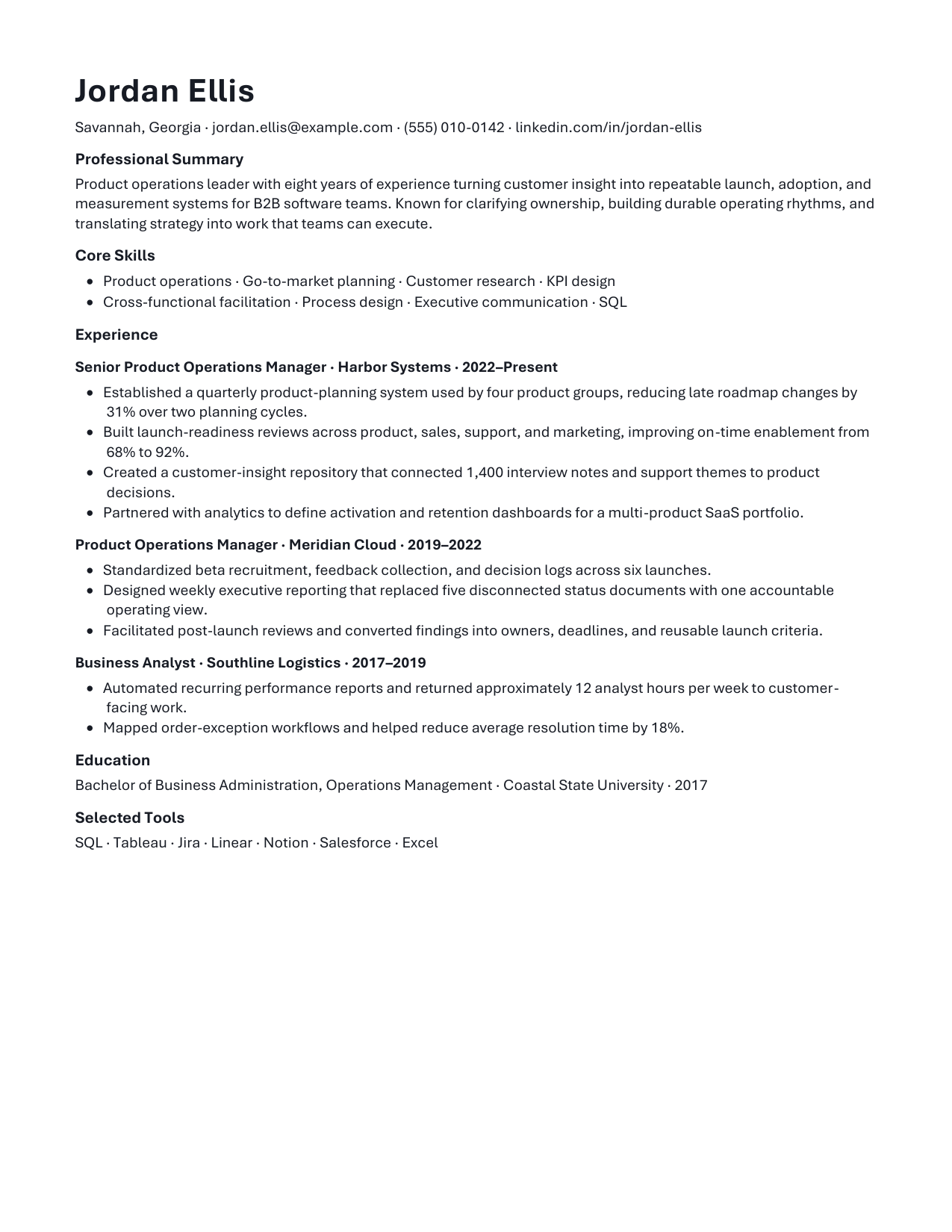
This fictional sample was rendered through Ask Crump’s current Word exporter. It shows the actual editable .docx structure—not a hand-designed mockup—with restrained formatting built for review and revision.
Fact-check AI résumé bullets with the five-part proof test before the draft reaches an application.
Representative synthetic output. Content, claims, and layout vary with the request, source material, and review.
 Open full-size sample
An AI résumé builder should help you decide what matters, organize it clearly, and make revision easier. It should never manufacture credentials, employers, dates, metrics, or accomplishments.
Compare a job description with your real background, then emphasize the most relevant skills and evidence without copying unsupported language.
Turn rough notes or an older résumé into clearer sections, tighter bullets, consistent tense, and a more deliberate hierarchy.
Use the same verified facts to prepare a cover-letter draft, interview themes, or a concise professional summary for review.
Give Ask Crump the target role and the accurate details behind your work: responsibilities, tools, results, dates, education, credentials, and any constraints the résumé must respect.
Paste accurate experience or attach a supported source file. Include the target job description when you have permission to use it.
Ask for an editable Word résumé and specify the role, seniority, location, length, required sections, and any relevant industry conventions.
Check employers, titles, dates, tools, education, credentials, metrics, and accomplishments. Remove anything you cannot support in an interview.
Open the .docx in your document editor, make the final visual and wording changes, and return to the conversation when another role needs a different emphasis.
Ask Crump can improve structure and language, but you remain responsible for the final application.
Yes. When the request completes successfully, Ask Crump can package the résumé as an editable .docx file. Review it in your document editor before applying.
It should not. Provide accurate facts and verify the result. If a useful metric is missing, the safer response is to identify the gap and ask you for evidence rather than fabricate a number.
No. The résumé profile uses restrained, readable conventions, but applicant tracking systems and employer workflows vary. Check the final file against the application’s requirements.
You can paste source material or attach supported files that you have permission to use. Ask Crump can use them as context, subject to product file and plan limits.
Generated files are delivered through your authenticated Ask Crump account for download. Choose Keep in a Project to keep the related conversation and generated file together in that Project’s Files view.
Start with the role and the evidence behind your work. Ask Crump will help turn them into an editable Word draft you can review and continue.